Ready to dive into the exciting world of 3D printing? You’re in the right place! Starting your 3D printing adventure is easier than you might think. Whether you’re looking to create unique art, prototypes, or just have fun watching your ideas come to life, there’s a printer for everyone.
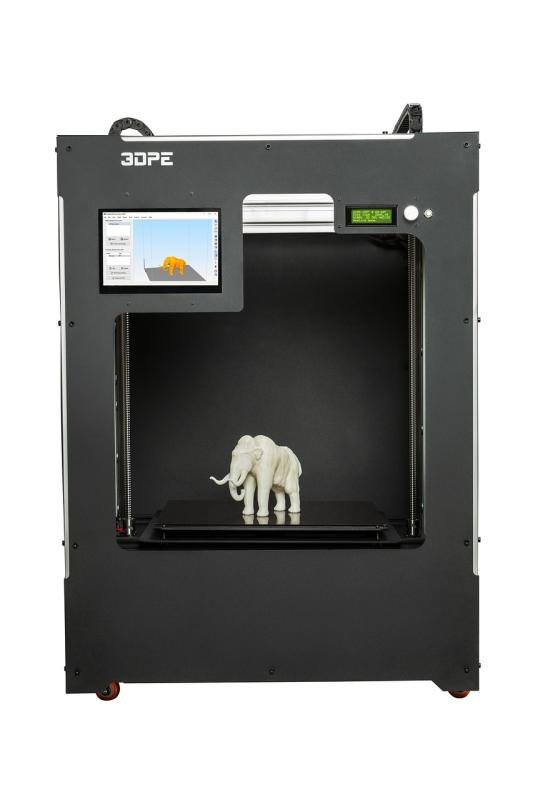
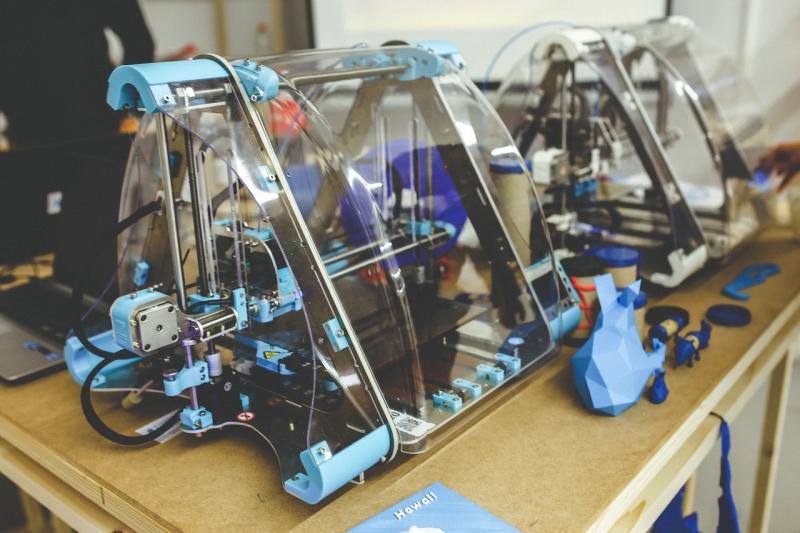
First things first, you need a good 3D printer. Look for one that fits your needs and budget. Popular options include the Ender 3 for beginners or the Prusa i3 MK3S+ for a little more advanced experience. Don’t forget to read reviews and check out user forums; they’re full of tips and tricks from fellow enthusiasts.
Next, you’ll need some filament for your projects. PLA is a great starting point since it’s user-friendly and comes in a rainbow of colors. If you’re feeling adventurous, you could explore ABS or PETG for more durable prints. It’s all about what you want to create!
And let’s not overlook software! Free slicing software like Cura or PrusaSlicer helps turn your designs into printer-ready files. You can find lots of free models on websites like Thingiverse or MyMiniFactory to get you started.
So, gear up and get creative! Experiment, make mistakes, and learn. The world of 3D printing is a wild ride, and you’re just a few clicks away from bringing your ideas to life.
Choose the Right 3D Printer for You
Picking the right 3D printer can feel a bit overwhelming, especially with so many choices out there. But don’t worry! Let’s break it down to help you find the perfect fit for your projects.
First, think about what you want to create. If you’re into making small models or intricate designs, a resin printer might be your best bet. They offer amazing detail but can require a bit more maintenance. On the other hand, if you’re planning to print larger items or functional parts, a filament printer can be easier and faster to work with.
Next, consider your budget. There are great options for every price range. If you’re just dipping your toes into 3D printing, you can find solid entry-level printers that won’t break the bank. As you grow more comfortable, you might want to invest in something with more features and flexibility.
Lastly, factor in ease of use. Some printers come ready to go right out of the box, while others might need a bit of setup. Look for features like auto-bed leveling or user-friendly software to make your life easier and help you get printing quickly. Don’t forget to check customer reviews, too. They can give you real insights into how well a printer performs.
Essential Tools for 3D Printing Success
If you're diving into the world of 3D printing, some tools will make your life a lot easier. Whether you're a beginner or someone with a bit of experience, having the right gear can really boost your success rate. Here are some essentials you should consider.
1. 3D Printer: This is a no-brainer! Choose a printer that fits your needs. If you're just starting out, a reliable model like the Creality Ender 3 or Anycubic i3 Mega can be fantastic choices. They are user-friendly and won't break the bank.
2. Slicing Software: You’ll need software to convert your designs into instructions the printer can understand. Popular options like Cura or PrusaSlicer work well, and they're mostly free! They let you adjust settings like layer height and support structure, so you can customize your prints.
3. Filament: The material you print with matters a lot. PLA is a great choice for beginners—it's easy to use, biodegradable, and comes in tons of colors. As you get comfortable, you can explore other materials like ABS or PETG for different projects.
4. Tools for Assembly and Maintenance: Don't forget about some handy tools. A good set of tweezers, a spatula for removing prints, and even a simple toolkit can save you from headaches. Keeping your printer in tip-top shape makes a big difference in print quality.
Tips to Avoid Common 3D Printing Mistakes
Getting started with 3D printing is super exciting, but it can also be a bit tricky if you're not careful. Here are some tips to help you dodge those common newbie mistakes.
First off, always check your printer settings before you hit that print button. Ensure that the layer height, print speed, and temperature are right for the material you’re using. Every filament is different, and using the wrong settings can lead to failed prints. Trust me, it’s worth taking a few extra minutes to double-check!
Next, let’s talk about bed leveling. It’s crucial for a successful print. If your print bed isn’t leveled properly, the first layer might not stick, and that's usually where everything goes wrong. Take your time here. Use a piece of paper to gauge the distance between the nozzle and the bed. A little effort upfront goes a long way!
Don't forget about maintenance! Regularly clean your printer’s nozzle and check for clogs. A blocked nozzle can ruin your prints and leave you frustrated. Keeping your printer clean will help you get smoother prints and keep everything running like a dream.
Finally, don’t be afraid to lean on the community. There are tons of forums and groups filled with people sharing their experiences. If you’re stuck or have questions, reach out. You’ll find plenty of helpful tips and tricks from others who’ve been right where you are now.